Should You Ship in the Manufacturer's Box?

If your packing setup puts every product into another carton, what happens to products that already have packaging suitable for shipping?
Leaving out the outer carton may make sense when the product ships alone. But what should happen when the customer adds accessories? You need a packing rule that covers both situations, rather than assuming every product must always ship separately or always go into another box.
SolvingMaze Pack and Quote lets you make that choice part of your product setup, so packing recommendations follow your requirements as the contents of an order change.
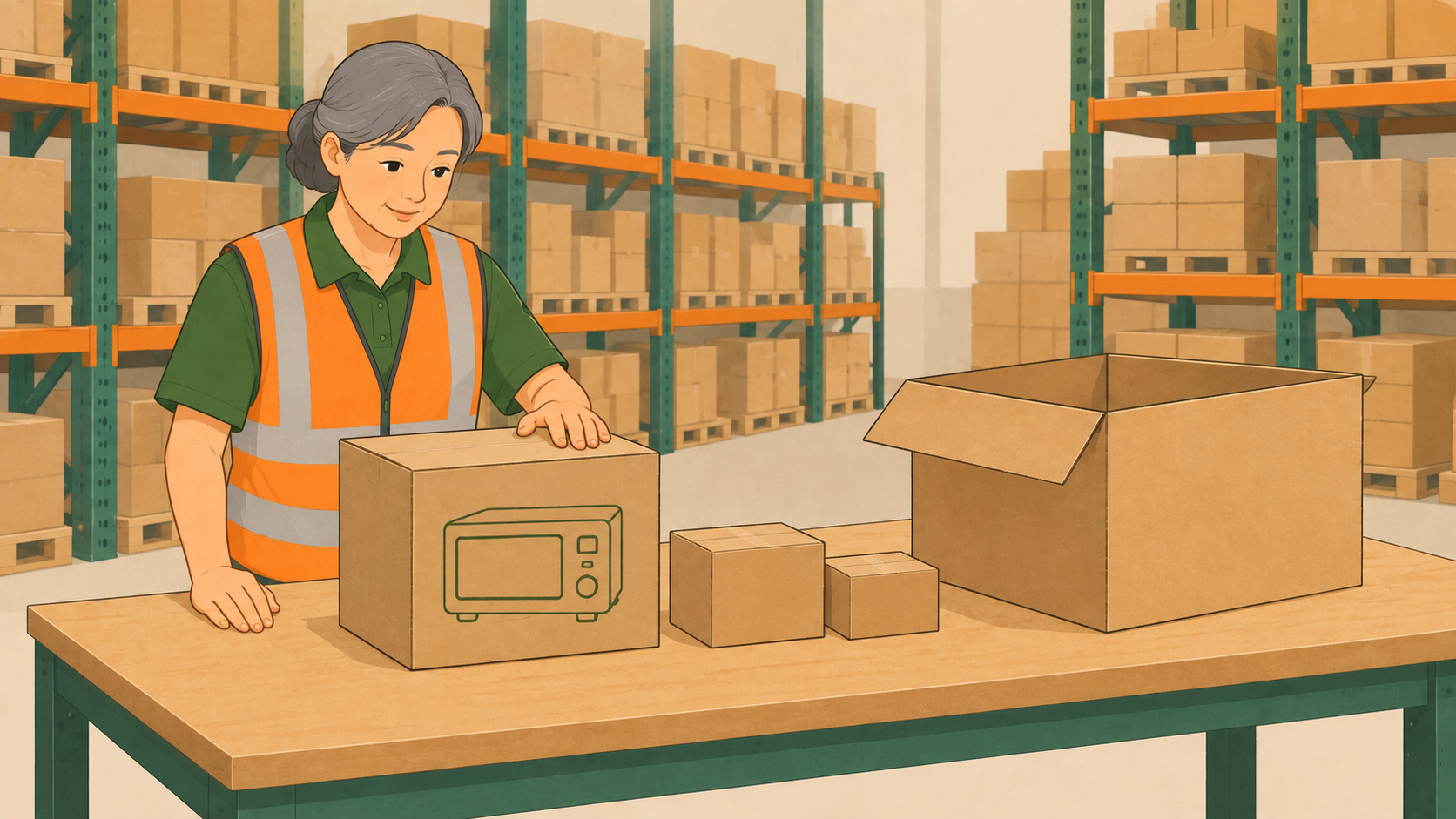
Start with a box that is suitable for shipping
A manufacturer's box might be a retail carton that needs an outer shipping box, or packaging designed to travel on its own. Its appearance alone does not settle that question. Check the manufacturer's packing instructions for the product and packaging you actually stock.
If an outer carton is part of the required protection, include it in your packing setup. If the supplied packaging is suitable for shipping by itself, you can treat it as a shipping option. Also decide whether your orders require a plain outer carton to cover the printed product packaging.
Decide what happens when other items join the order
Consider a product in shippable manufacturer packaging ordered with two accessories. There are two different ways you might want to handle it:
- Keep the product separate. It ships in its own packaging, while the accessories are packed separately.
- Allow it to share an outer carton. The product remains eligible to be packed with the accessories, using the available cartons and your packing rules.
The important distinction is whether the product can ship in its own box or must ship separately. Allowing combined packing leaves room for either outcome, depending on the other items and available cartons.
Let the packing calculation follow that choice
For a product allowed to pack with other items, SolvingMaze can include it in a regular carton. When no other items share that carton, the configured manufacturer box is used instead. A mixed order can therefore include a product in its own box alongside other packages.
For a product that must always ship separately, SolvingMaze treats it as its own package using the supplied shipping dimensions and gross weight. Other items in the order are packed separately. You establish that requirement for the product, and the calculation applies it when the product appears in an order.
Use the measurements of what you ship
For the manufacturer box, record its external dimensions and the total weight of the product and packaging. If that box stays around the product when it goes into a larger carton, the item measurements used for combined packing should represent the boxed product too, not the bare contents.
These details connect the packing decision to the package estimate. When shipping rates are requested, Pack and Quote uses the estimated packages for the rate calculation. A product shipping in its own box and one sharing an outer carton may produce different package dimensions and weights.
Start with one product whose shipping requirements you already know. Set whether it may share a carton, then use that rule for orders containing one item and for mixed orders.
Want to explore how manufacturer packaging affects a packing result? Create a free Sandbox Warehouse and try a small example. When you are ready to use your own product and packaging setup for live orders, create a Production Warehouse.
 Previous Article