How to Test Warehouse Optimization Software Before Production

Trying warehouse optimization software can be awkward. A team may know what it wants to improve: pickers are walking too far, packing choices are inconsistent, shipping estimates arrive too late, or a proposed layout change feels expensive to get wrong. Yet testing a possible solution can require configuration, clean data, and access to live operations before anyone knows whether the software is suitable.
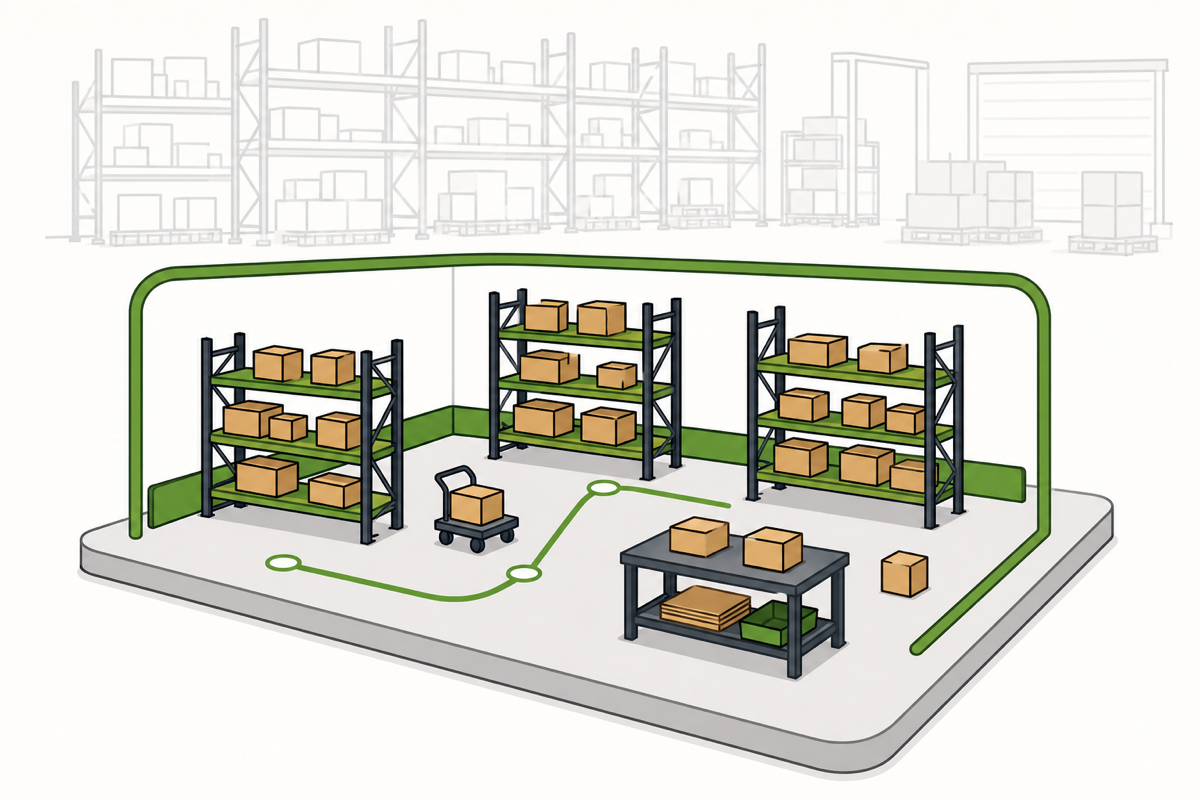
The new SolvingMaze Sandbox Warehouse offers a simpler starting point. It provides a separate test warehouse with ready-made sample data, so teams can try packing, sample shipping rates, batch picking, and layout simulation before preparing production data.
Start with a question from your warehouse
A feature list can confirm that software offers cartonization, rate shopping, batch picking, or layout simulation. A hands-on test goes further by showing whether the output could support a real warehouse decision. Useful questions include:
- Could packaging choices be made more consistently before an order reaches the packing station?
- Could packing and a sample shipping rate be reviewed in one workflow?
- Could several orders be organized into practical picking work without a manually sorted list?
- Could a layout or storage idea be examined before physical racks and products are moved?
Starting with one question keeps the test focused. It also avoids spending time reproducing the entire warehouse before the team has seen how the workflow behaves.
Four workflows to try with sample data
Each SolvingMaze Sandbox Warehouse starts with a ready-made example environment and guided starting points. The examples are deliberately focused on four decisions that occur across fulfillment.
1. What packaging could this order require?
Start with Pack and Quote without requesting shipping rates. Change the product mix or quantity and review how the proposed packing changes. This shows how product and container information affect the result.
2. How does packing connect to a shipping quote?
Run a packing example with predefined sample rates. SolvingMaze selects suitable boxes and then returns the configured sample UPS / Ground rate for the estimated packages. The displayed rates are examples, not live carrier offers.
3. How could several orders become organized picking work?
Use Batch Pick with the sample orders, carts, item locations, and warehouse layout. Review how the orders become batches and guided tasks. Readers who want to understand the information behind this workflow can also use the Batch Picking Setup Guide.
4. What can be checked before changing a warehouse layout?
Run Warehouse Layout Simulation and inspect the picking result for the example layout and orders. This demonstrates how repeatable order data can be used to examine a layout before racks are moved.
Try one workflow first
There is no need to test every part of SolvingMaze at once. A short first session can be enough to decide whether a closer look is worthwhile:
- Choose the tutorial closest to the current warehouse problem.
- Change one available input, such as a quantity, product choice, or destination.
- Review what changed and consider whether the result would be useful in the existing process.
The sample configuration is editable, so evaluators are free to explore. If the changes make the example difficult to follow, the Sandbox Warehouse can be reset to its maintained starting point from the warehouse menu.
When you are ready to use your own data
Sample data can demonstrate a workflow, but it cannot predict savings for a particular warehouse. Labor constraints, packaging rules, carrier agreements, order patterns, and the condition of existing data all affect the outcome.
If the sample workflow looks relevant, the next step is to prepare a small, representative data set and decide what to compare. For Batch Pick, that might be a known group of orders with verified locations. For Pack and Quote, it might be a controlled selection of products and containers. For Layout Simulation, it might be the current layout and one proposed change.
Developers can also use the Sandbox Warehouse testing API key with the documented Pack and Quote API and Batch Pick API when the evaluation reaches integration questions. Usage remains subject to the limits displayed in the sandbox.
Ready to explore the workflow? Create a free Sandbox Warehouse and begin with the task your team wants to improve.
 Previous Article